Paul’s Perspective:
This matters because it moves workflow design closer to plain-language intent instead of technical setup. For businesses, that can mean faster experimentation, easier process sharing, and a more practical path to scaling creative and operational consistency.
Key Points in Video:
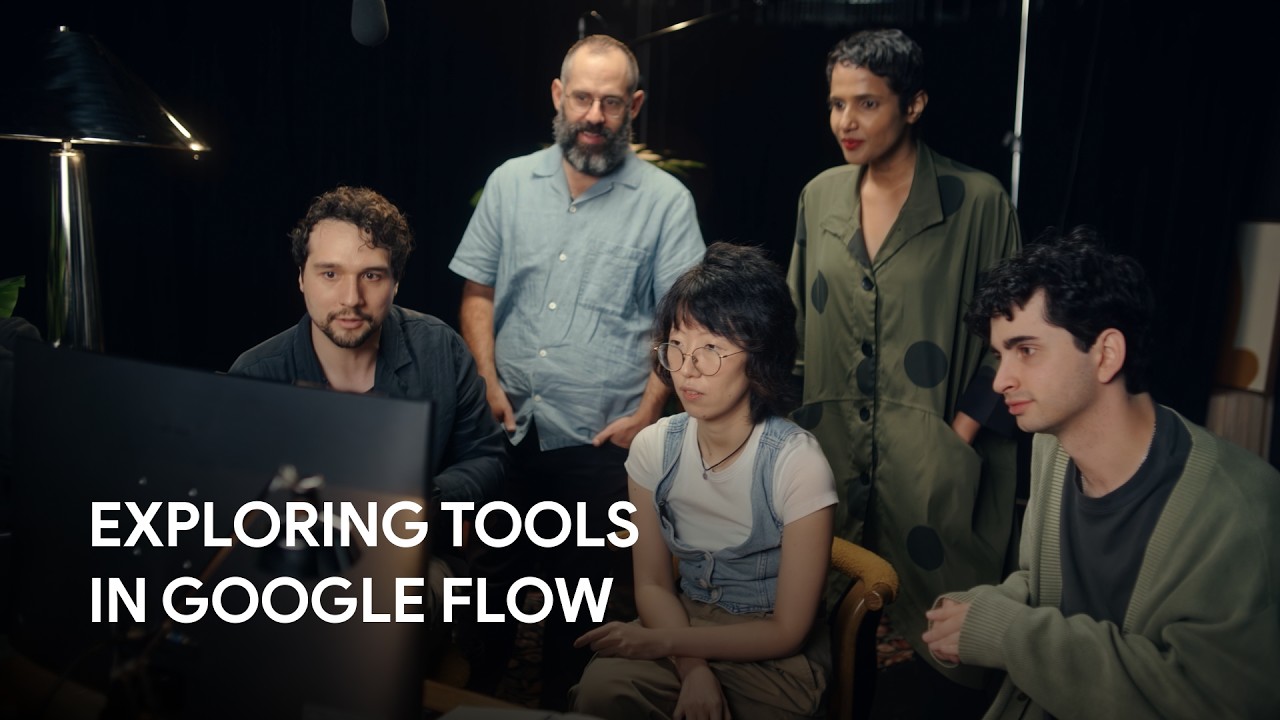
- Google partnered with six creatives from different industries to develop example tools, including Kat Zhang, MetaPuppet, and Chris Maestas.
- A built-in gallery gives users direct access to shared tools, making it easier to discover proven workflow ideas.
- The platform supports both sharing and remixing, which can help teams standardize repeatable processes while still adapting them for specific needs.
- Access is tiered: all Google Flow users can use existing tools, while creation and remixing are available to Google AI subscribers.
Strategic Actions:
- Describe the custom workflow or tool you want to create in Google Flow.
- Use existing tools from the gallery to test ideas and accelerate adoption.
- Review examples developed with six creative partners for inspiration across industries.
- Share useful tools with others to improve repeatability and collaboration.
- Remix existing tools to adapt them for different teams, projects, or use cases.
The Bottom Line:
- Google Flow now lets users build custom creative workflows and tools simply by describing what they want, lowering the barrier to tailored automation.
- All users can explore and use shared tools, while Google AI subscribers can create and remix them, expanding collaboration and reuse across teams.
Dive deeper > Source Video:
Ready to Explore More?
If your team is looking at workflow automation or AI-enabled process design, we can help assess where tools like this fit and how to apply them in a practical way. We work together with clients to turn emerging platforms into useful business systems.