
Paul’s Perspective:
Local model testing is becoming a practical decision, not a science project: it lets leaders and technical teams validate capability, cost, latency, and data-control tradeoffs before committing to cloud spend or vendor lock-in. The laptop vs desktop comparison is the real-world filter that prevents overpromising internally and helps you choose the right “small model for many tasks” vs “bigger model for fewer high-value tasks” strategy.
Key Points in Video:
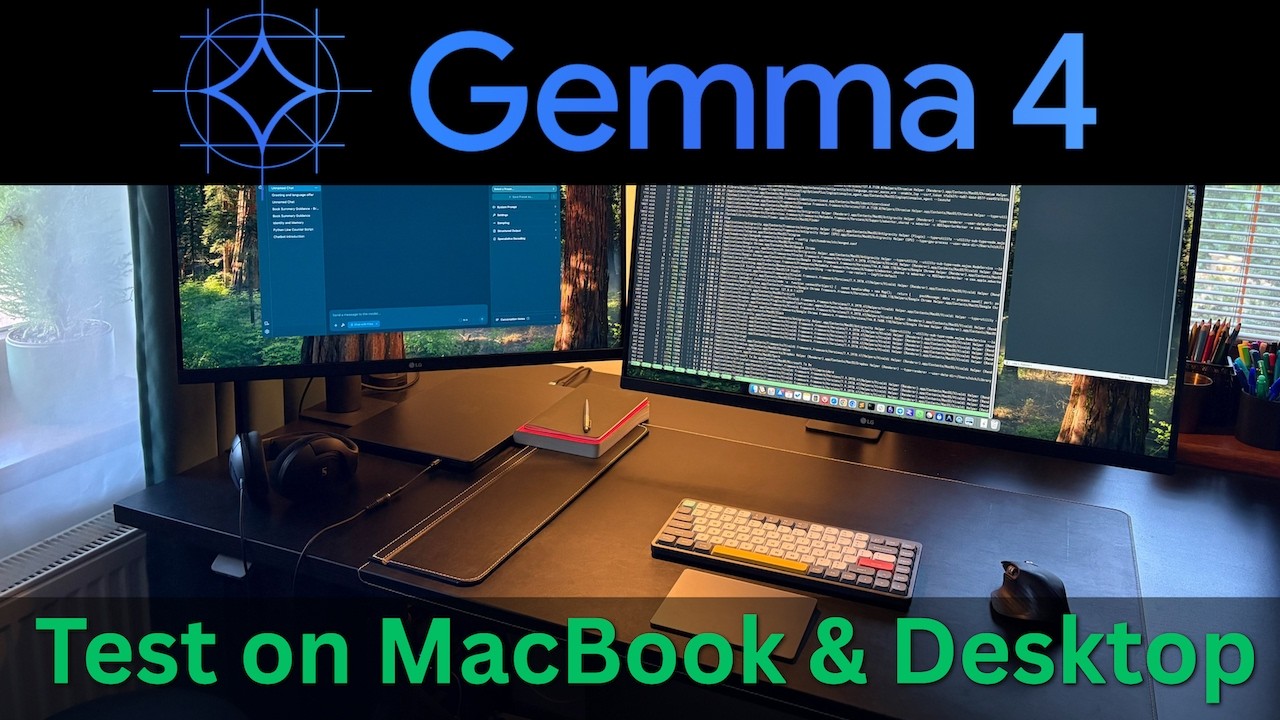
- Tests include both sizes: 7.5B (lighter, more laptop-friendly) and 26B (more demanding, better suited to stronger desktops).
- Use cases demonstrated: code generation/debugging, image/vision understanding, and a more complex multi-step task.
- Performance is monitored during the desktop run to connect real workloads to hardware limits (compute, memory, thermals).
- Local setup is done with LM Studio, a fast path for teams that want to trial models without standing up infrastructure.
Strategic Actions:
- Install and configure LM Studio for local model execution.
- Download Gemma 4 and select which size to run (7.5B vs 26B).
- Run a baseline laptop test to gauge responsiveness and practicality.
- Evaluate coding capability with a hands-on dev task.
- Validate vision/image understanding with a visual prompt.
- Repeat the tests on a desktop for a higher-performance comparison.
- Monitor system performance to identify bottlenecks (memory/compute/thermals).
- Run a more complex task to see how the model handles multi-step reasoning.
- Decide where local AI fits in your workflow based on results (device class, model size, task type).
The Bottom Line:
- Gemma 4 can now be run locally via LM Studio, making it practical to evaluate open-source LLMs on your own hardware for coding and vision tasks.
- Seeing the 7.5B and 26B models side-by-side on a laptop versus a desktop helps you set realistic expectations for speed, capability, and where local AI fits into your workflow.
Dive deeper > Source Video:
Ready to Explore More?
If you want to figure out where local LLMs make sense in your business (privacy, cost, speed, and the right hardware/model mix), we can help you test and operationalize it with a practical plan. Our team can benchmark a few real tasks from your workflows and turn the results into an implementation roadmap.