Paul’s Perspective:
If your site updates still depend on a handful of people who “know WordPress,” an MCP layer turns WordPress into an automatable system your team can operate with clear, repeatable instructions. That means faster publishing cycles, fewer bottlenecks, and a practical path to delegating routine web ops without sacrificing governance.
Key Points in Video:
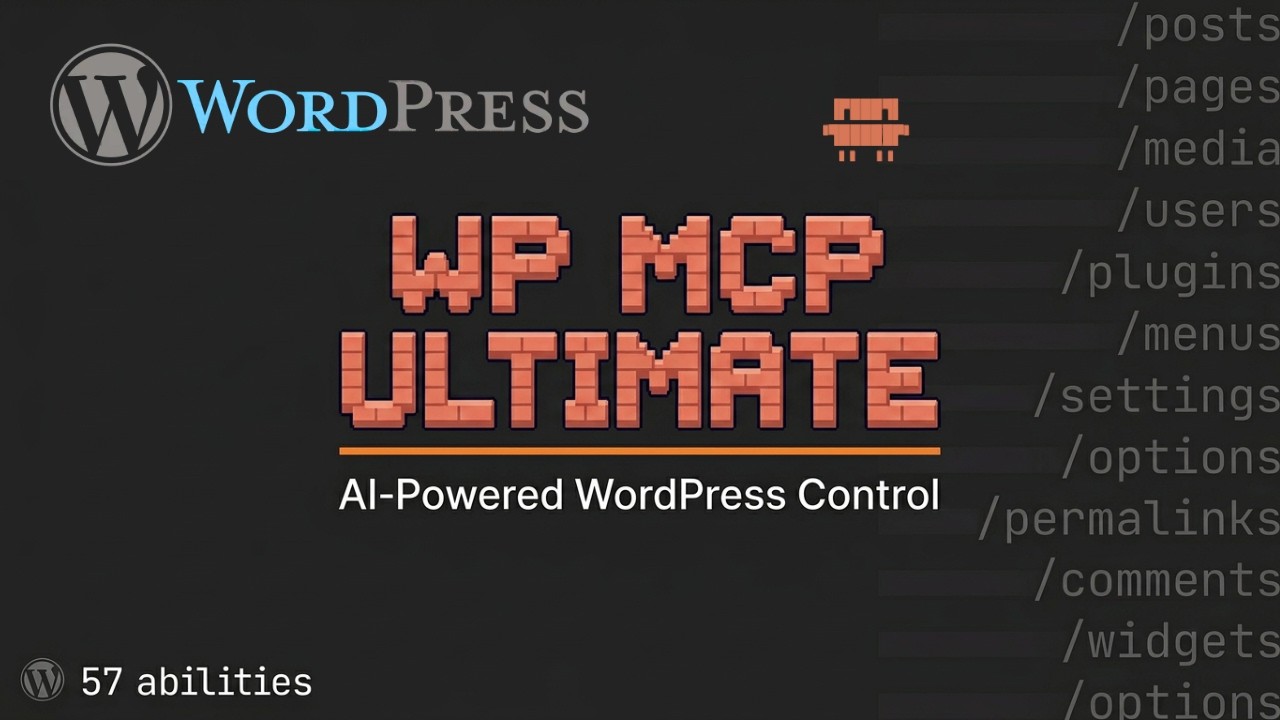
- Includes 58 built-in “AI abilities” for common WordPress operations, reducing the need for multiple point plugins.
- Workflow shown: run a health check, add an API key, connect Claude Code, then start issuing site commands immediately.
- Demo covers querying existing posts/pages, rewriting a blog post, and outputting updated images plus alt text.
- Designed to work with multiple MCP-compatible clients (Claude Desktop, Cursor, and others), not just one tool.
Strategic Actions:
- Install the WP MCP Ultimate plugin.
- Run the plugin health check and configure the API key.
- Connect your MCP-compatible AI client (e.g., Claude Code/Claude Desktop/Cursor) to the site.
- Use conversational commands to query posts, pages, and site data.
- Create or rewrite content and compare before/after output.
- Generate and attach media updates such as images and alt text.
- Extend the workflow by pairing with related tools (e.g., Claude Blog, Claude SEO).
The Bottom Line:
- A single free MCP plugin lets an AI client manage core WordPress tasks—posts, media, plugins, users, and comments—through plain conversation.
- It compresses setup to about 2 minutes and replaces a patchwork of admin workflows with auditable API-driven actions.
Dive deeper > Source Video:
Ready to Explore More?
If you want to safely operationalize AI-managed WordPress workflows, we can help you and your team set up the plugin, define guardrails, and automate the repetitive site tasks that slow publishing down.