Paul’s Perspective:
This matters because AI becomes far more valuable when it can securely act across the systems your team already uses instead of operating in isolation. Leaders who understand how to connect agents to their tool stack will be better positioned to cut repetitive work, improve decision speed, and turn AI from a novelty into operational leverage.
Key Points in Video:
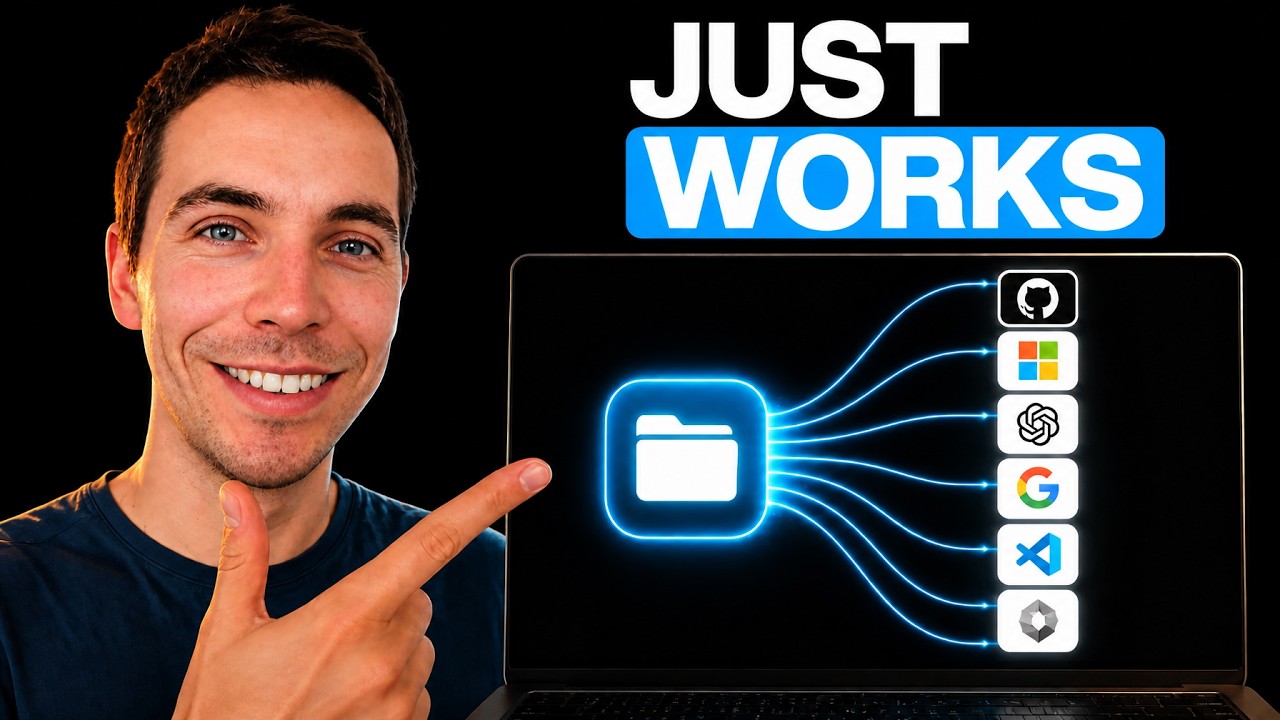
- The walkthrough covers connections for at least 5 major platforms: GitHub, Stripe, Ramp, Amplitude, and Figma.
- The video is structured into 4 core sections: MCP basics, connection setup, custom MCP servers, and best practices.
- Custom MCP servers expand beyond standard integrations, giving teams more flexibility to tailor agent access to internal or specialized tools.
- Best-practice guidance helps reduce implementation friction and improves the odds that agents are secure, useful, and reliable in production workflows.
Strategic Actions:
- Understand what MCP is and how it enables agent-to-tool connectivity.
- Set up an MCP connection inside Notion for your chosen tools.
- Connect business platforms such as GitHub, Stripe, Ramp, Amplitude, and Figma.
- Configure custom MCP servers for specialized or internal integrations.
- Apply best practices to improve security, reliability, and usability.
The Bottom Line:
- MCP and custom agents let teams connect tools like GitHub, Stripe, Ramp, Amplitude, and Figma so AI can work across their stack with less manual effort.
- For business leaders, that means a practical path to faster workflows, better context across systems, and more scalable automation inside everyday operations.
Dive deeper > Source Video:
Ready to Explore More?
If you’re exploring how AI agents can connect into your workflows, we can help assess where this fits and how to roll it out in a practical way. Our team works together to align the tools, process changes, and business goals so the automation actually delivers value.