
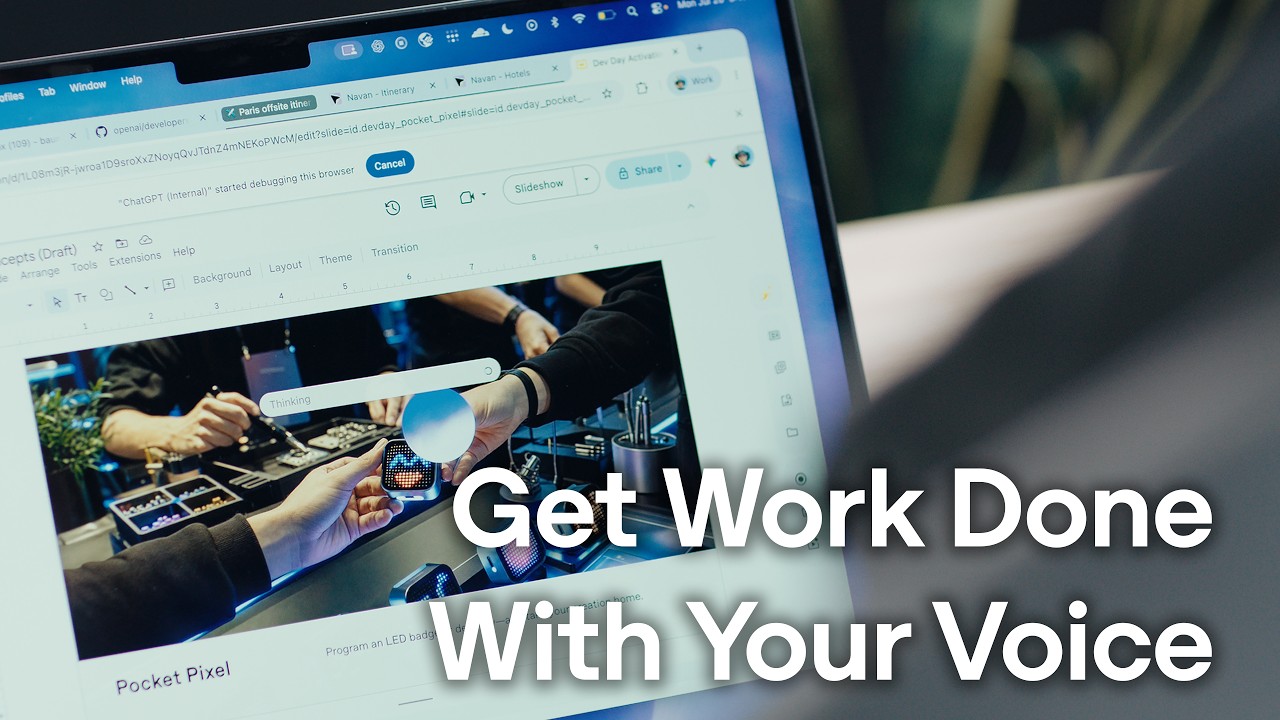
Paul’s Perspective:
This is important because it points to a more usable form of AI at work: less about isolated prompts and more about staying in flow while the system helps coordinate real tasks. For leaders, the opportunity is better productivity with less friction, especially in roles where speed, switching costs, and follow-through directly affect output.
Key Points in Video:
- The workflow shown spans at least five distinct use cases, from brainstorming and planning to travel prep and final sharing.
- Voice interaction goes beyond dictation by enabling back-and-forth problem solving instead of simple speech-to-text capture.
- The system can reference what is on screen and act across connected applications, helping keep work moving in one continuous session.
- Background task handling allows users to continue working while routine steps are being completed.
- The demo highlights a practical shift from prompt-by-prompt interaction to conversational task management inside everyday work.
Strategic Actions:
- Use voice to brainstorm ideas and talk through open-ended work.
- Move beyond basic dictation by using conversational back-and-forth to refine plans.
- Let the system view your screen and pull context from the work in front of you.
- Work across connected apps to coordinate details and execute tasks.
- Prepare logistics such as travel arrangements within the workflow.
- Review completed work and share outputs without breaking focus.
- Keep tasks progressing in the background while continuing with other work.
The Bottom Line:
- ChatGPT Voice helps users talk through work while it views the screen, works across connected apps, and completes tasks in the background without interrupting momentum.
- This matters because it reduces context switching and turns brainstorming, coordination, travel planning, and sharing deliverables into a faster, more natural workflow.
Dive deeper > Source Video:
Ready to Explore More?
If you are exploring where voice and AI fit into your workflows, we can help your team identify practical use cases and implement them in a way that improves speed, clarity, and follow-through.