
Paul’s Perspective:
This matters because it lowers the cost of “AI at the edge” to something you can test on a desk, which is exactly how good automation and product ideas get de-risked early. If your business cares about privacy, uptime, or avoiding per-token cloud costs, small-device local inference can become a practical stepping stone to bigger on-prem or hybrid deployments.
Key Points in Video:
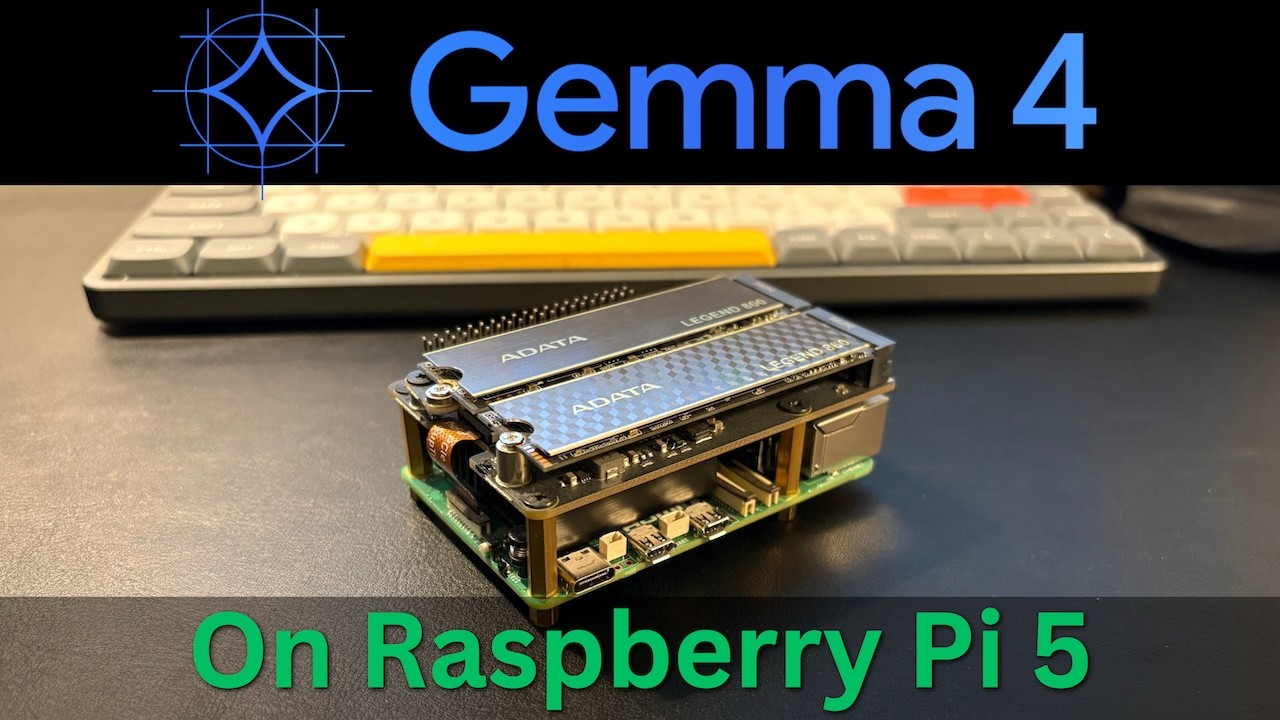
- Hardware/software stack: Raspberry Pi 5 (8 GB) + SSD for model storage + LM Studio CLI to load and serve the model.
- Model used: Google Gemma 4 E2B, loaded and run as a local API server for app/editor integrations.
- Local-network access is enabled by forwarding/exposing the service with socat, making it reachable from other devices on the LAN.
- Practical validation includes a coding test (Python) and a creative ideation test, showing where performance is acceptable vs. where it bogs down.
Strategic Actions:
- Install LM Studio CLI on the Raspberry Pi 5.
- Attach and configure SSD storage so the Pi can comfortably store model files.
- Select and review the Gemma 4 E2B model to understand size and tradeoffs.
- Load the model and start it as a local API server.
- Enable local network access by forwarding the service with socat.
- Connect the local model endpoint to the Zed editor for real usage.
- Run a coding performance test (Python) to gauge practical dev capability.
- Run a creative/ideation test (web app ideas) to evaluate general usefulness.
- Review results and decide where a Pi-class setup fits (or doesn’t) in your workflow.
The Bottom Line:
- You can run a modern LLM locally on a Raspberry Pi 5 with 8 GB RAM—no cloud and no GPU—well enough for real experimentation and lightweight dev tasks.
- This setup helps teams prototype private, offline AI workflows cheaply, while understanding the practical limits of small-device inference.
Dive deeper > Source Video:
Ready to Explore More?
If you’re exploring local AI for privacy, cost control, or edge use cases, we can help you and your team pick the right model/setup and turn it into a secure, usable internal tool. We’ll work alongside your staff to pilot it quickly and map where it delivers ROI versus where cloud or hybrid still makes more sense.