
Paul’s Perspective:
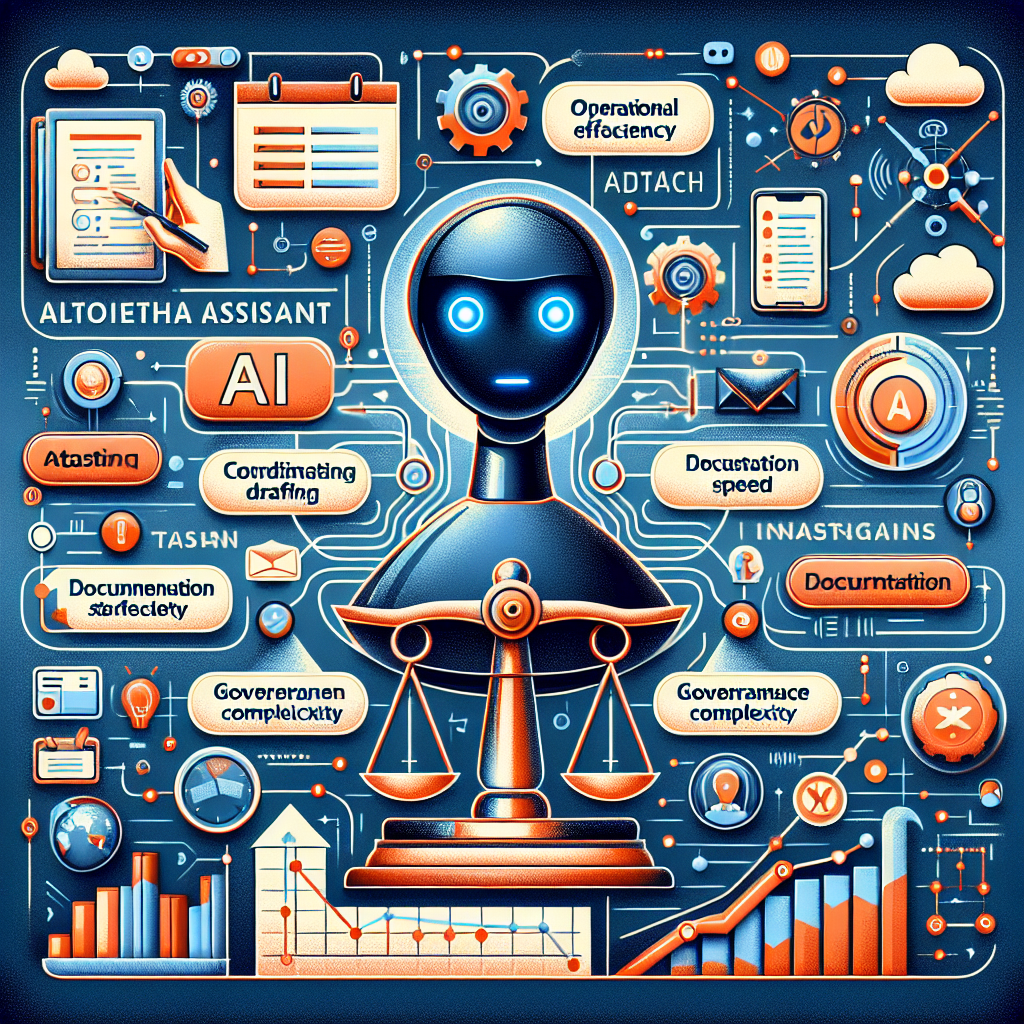
When AI is embedded directly into the tools your team already uses, the limiting factor stops being model quality and becomes operational design: what the assistant is allowed to do, where it gets data, and how outcomes are reviewed.
Leaders should treat this like deploying a new automation layer across the business. The upside is cycle-time reduction on everyday coordination and admin work; the tradeoff is governance complexity around access, errors, and accountability.
The practical advantage will go to companies that standardize processes and permissions first, then roll out assistants into a few high-volume workflows with measurable KPIs and clear escalation paths.
Key Points in Article:
- Interactive “apps” let an assistant connect to common workplace systems (e.g., messaging and productivity tools) to trigger workflows, not just answer questions.
- Value shifts from better responses to faster execution: routing requests, drafting/filing updates, and coordinating multi-step tasks across multiple tools.
- Operational controls become central: permissions, scoped access, and human review for higher-risk actions.
- Adoption will hinge on integration depth with existing stacks and clear ownership for monitoring, auditing, and continuous improvement.
Strategic Actions:
- Identify 3–5 high-volume workflows where work is mostly coordination, drafting, routing, or status updates.
- Map each workflow’s systems involved (chat, docs, tickets, CRM) and define what “done” looks like.
- Define permission scopes for the assistant (read vs. write, systems allowed, data boundaries).
- Set human-in-the-loop rules for higher-risk actions and create an approval/audit trail.
- Pilot in one team, measure cycle time, error rate, and adoption, then refine prompts and guardrails.
- Standardize successful patterns into reusable playbooks for other departments.
- Assign ongoing ownership for monitoring, access reviews, and workflow updates as tools change.
Dive deeper > Full Story:
The Bottom Line:
- AI assistants are moving from chat windows into embedded workplace apps that can take actions across tools.
- Audit your highest-friction workflows and deploy assistants where they can safely execute repeatable steps with clear permissions and review.
Ready to Explore More?
If you’re considering assistants embedded in Slack or your core tools, we can help you pick the right first workflows and set up permissions, review steps, and KPIs. Reply if you want a quick assessment of where this could remove the most friction in your operations.